
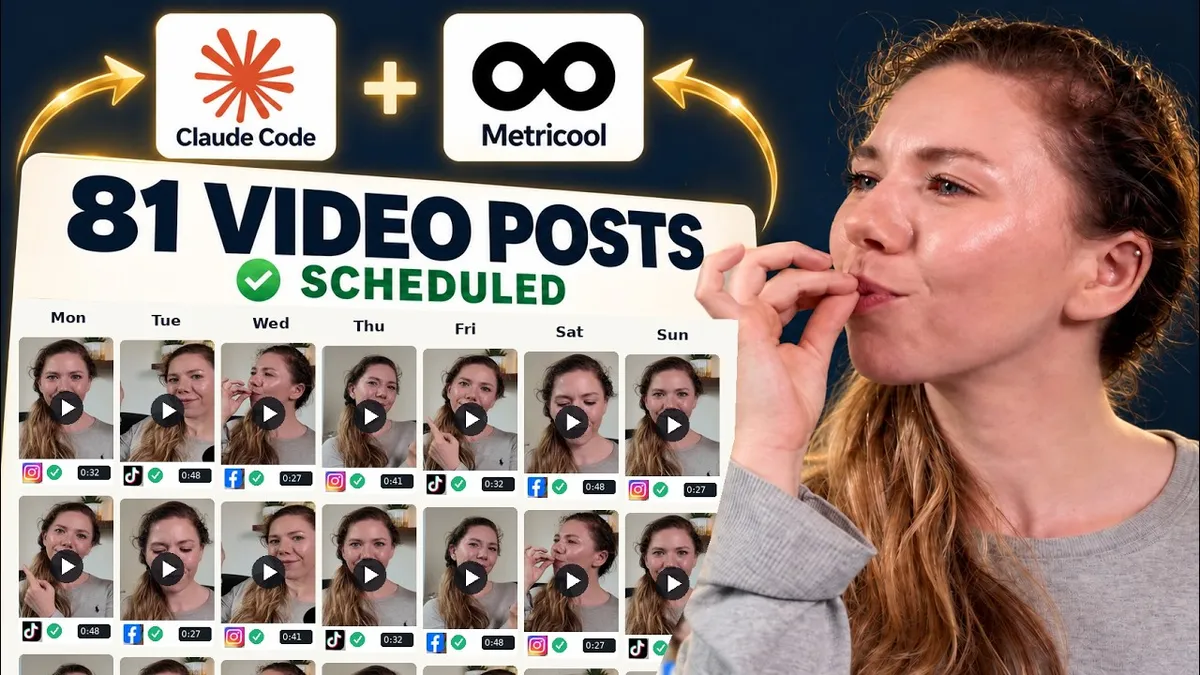
I Scheduled 81 Video Posts in 30 Minutes. Here’s the System Behind It.
27 Shorts, three platforms and one afternoon when I finally stopped copying the same work into three different places.
I had 27 finished Shorts sitting in a folder. Each needed to go to Instagram, TikTok and Facebook. That is 81 separate posts, before you count the captions, hashtags, uploads and decisions about when each one should go out.
I wanted those videos to reach people. I did not want scheduling them to become the rest of my job.
So I filmed my screen while I ran the system I had been building: Claude Code, Metricool, a temporary Dropbox handoff and a set of instructions that already knew how I write. In this batch, it took about 30 minutes to get the 81 posts scheduled. The first setup took longer. Those are two very different numbers.
Here is what happened, what I still checked myself and the parts I would not pretend are automatic.
The useful bit starts before the upload
If you hand an AI tool a folder of videos and say “post these everywhere”, it may do exactly that. The posts may still sound nothing like you, go out at poor times or repeat the same caption on every platform.
I started by giving Claude Code a home: a Content Command Centre with my voice, examples, audience, content rules and the little corrections I had made along the way. One rule matters more than the folder structure: nothing gets scheduled until I have checked the words and the videos.
For this batch, it also had the video transcripts. That meant it could write captions from what I had actually said, rather than guessing from a filename. I wanted three versions for each Short, because Instagram, TikTok and Facebook are different places to read and watch.
You do not need a huge command centre to try this. A short voice brief, a few posts that sound like you and clear instructions about what the assistant must show you before scheduling are a useful start.
I asked Metricool for times, not an imaginary “best hour”
A universal posting time is tempting because it is simple. It is also a guess.
My Metricool account shows timing information for the connected platforms. I had Claude Code read that data, build a posting grid and check the existing calendar so the new batch would fit around posts already there. The strongest Instagram slot may be different from the strongest TikTok slot. That is fine; the point is to use the information available for each platform.
The grid is a decision aid, not a promise that a particular minute will make a video perform. I still looked at what was being scheduled and whether it clashed with something else I cared about, such as a long-form release.
Three captions for each video
This is where the system started to feel like mine.
For every Short, I wanted the main point to be clear to someone who never taps through. The caption should add something useful, not just say “watch more”. I also wanted the language to fit the platform and the actual clip.
Claude Code drafted the captions, hashtags and other post details in a distribution pack. I watched the Shorts and read the copy together. On this run, I did not need to rewrite much, because the rules had already been refined through earlier batches. That did not remove the review step. It made the review quicker.
When a line does sound wrong, I change it and put the lesson back into the brief. That is how the next batch gets easier. The machine does the repeatable preparation; I still decide what represents me.
Why Dropbox is in the middle
My finished videos live elsewhere. The scheduling connection needed a video address it could actually use. Copying a share link for every clip would have replaced one repetitive task with another.
I used a free Dropbox account as a temporary handoff and rclone to move the files there. Claude Code could then pass usable video links to Metricool, check that the posts appeared in the planner and remove the temporary copies once Metricool had them.
That sounds like an extra step because it is one. In this setup, it was the step that let the whole batch move without me uploading 27 files individually. I tested the route with one video before trusting it with the rest.
What the 30 minutes actually covered
The screen-share shows a real batch. Twenty-seven Shorts became 81 scheduled Instagram, TikTok and Facebook posts, with their own captions, in roughly half an hour. It did not mean I built the whole system from nothing in half an hour. Initial setup, connecting accounts, testing the file route and teaching the assistant my voice came first.
It also did not mean every platform task in my business was suddenly handled. For example, I still have to check the Instagram setting that shares a Trial Reel to everyone after the trial. And Shorts that should link back to a specific long-form YouTube video follow a separate YouTube route, so their related-video connection is in place before viewers find them.
Those details are precisely why I prefer a real walkthrough to a claim that “AI does everything”. The system has boundaries. Once you know them, you can build around them.
The checklist I would use before scheduling anything
Watch the finished videos. Make sure the clip works as its own piece and the subtitles are correct.
Read every caption in context. Check the claim, tone, call to action and platform fit.
Check the destination. If a clip points to a guide or full video, make sure that route exists and works.
Inspect the calendar. Use the platform’s available audience data and avoid clashes or a pile-up of closely related posts.
Test one file first. Confirm the video, caption and timing appear correctly before releasing a large batch.
Verify the whole batch. Count the scheduled posts and check a sample across all three platforms.
The goal is not to remove judgement. It is to stop spending judgement on the same mechanical task eighty-one times.
The reason I care about this
I thought about starting a YouTube channel years before I did. One thing that made it feel impossible was the amount of work that came after making a video. If creating content means becoming a full-time uploader, it is hard to find room for the business or life the content was meant to support.
This system gives some of that room back. I can record, review the short clips and their words, then let a repeatable process handle the transfer and scheduling. That leaves more of my time for making something useful, working with people and being with my family.
If the setup feels like too much, start smaller. Pick one recurring task you hate doing by hand. Write down the decisions you make each time. Test a way to repeat the mechanical part, and keep the final human check. You do not need 81 posts to benefit from that.
I wrote up the full process in my free One-Evening Content Scheduling System, including the prompts, the Dropbox handoff and the checks I use. The guide also shows an earlier batch of 29 videos and 87 posts; this article and video follow the later 27-video, 81-post run. If you would rather see it happen, watch the screen-share below.
Watch the full walkthrough
Watch me schedule the 81 posts on YouTube.

Mail
Facebook
LinkedIn
X
Pinterest